
If you haven’t heard, we believe Dolt is the database for agents, so we keep finding excuses to put some of the popular coding agents through real work. Last year I migrated this blog from Gatsby to Astro and wrote about the dos and don’ts of using Cursor Agent for a large-scale migration. The biggest takeaway was that agents fly blind on anything visual. Cursor couldn’t see the browser, so design work without a clear rubric could be painful.
This time I rebuilt our documentation site using Claude Code. We’d wanted off GitBook for a while, but it always lost out to higher-impact work. Then agents turned what would’ve been a multi-month project into a 1-2 week one. So Claude and I vibed it out.
You can check out our new documentation at dolthub.com/docs.
Motivation#
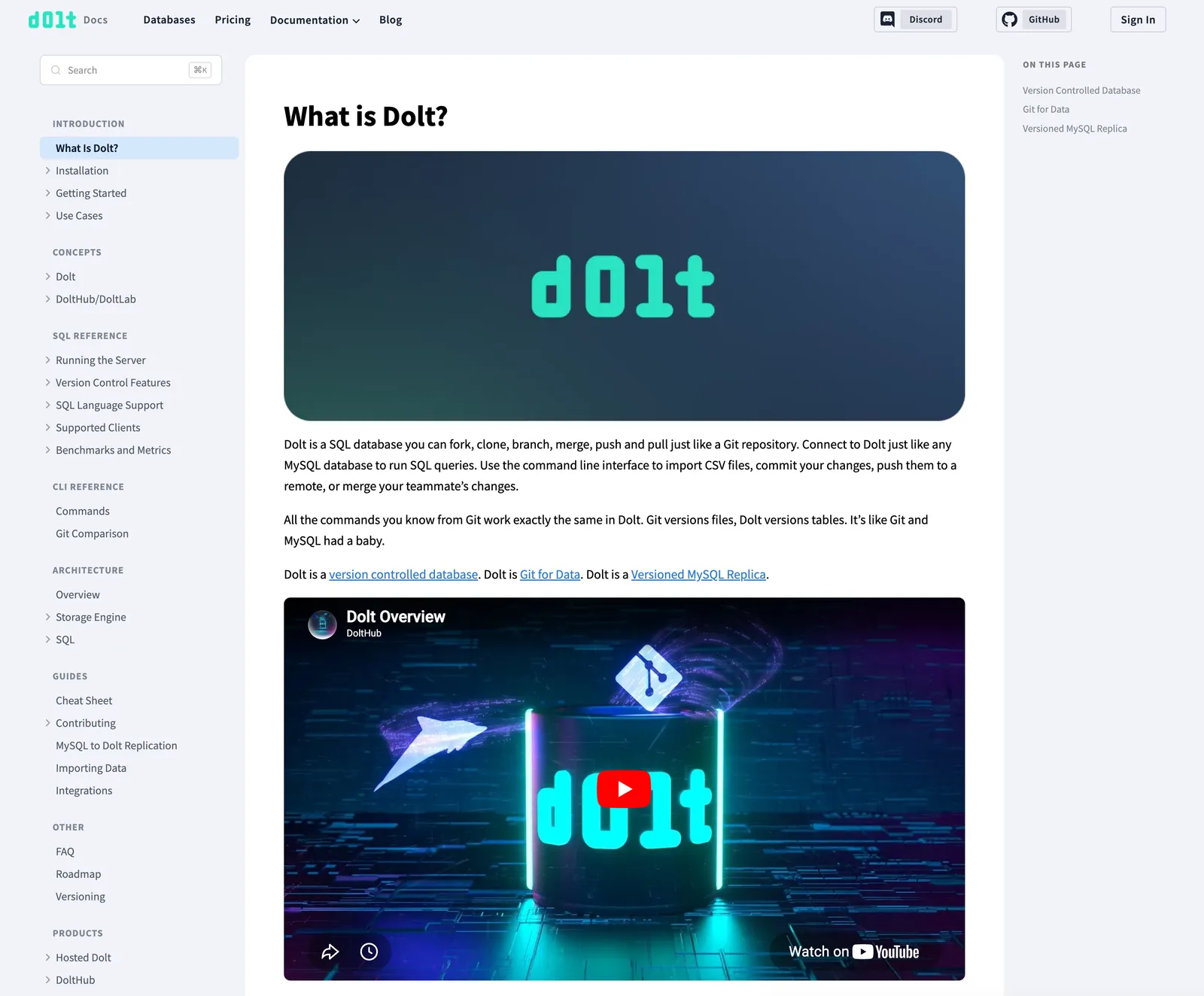
Our docs have lived on GitBook for years, at docs.dolthub.com, docs.doltlab.com, and docs.doltgres.com, and choosing GitBook made sense at the time. We were a young company trying to get off the ground, and our first attempt at a documentation site was something we’d built ourselves in Gatsby, which, like our old blog, turned out to be a hassle to maintain. GitBook solved that problem for us. We wrote Markdown, they handled the rest. At that stage, we (or at least some of us 😅) were happy to deal with GitBook’s downsides in exchange for never thinking about docs infrastructure again.
This changed as we grew. It matters a lot more now that our docs feel congruous with the rest of our products, and that we own the look and feel. Once it was clear an agent could do the bulk of the migration far faster than trad coding it, leaving GitBook was an easy call. It came down to three things.
-
Control: We were writing Markdown into someone else’s box and getting their layout, their search, and their URL structure in return, and every time GitBook didn’t do what we wanted, we were stuck. Now we own the code, the build, and the deployment: three Astro sites (one each for Dolt, DoltLab, and Doltgres) served under
/docson each product’s domain. No vendor between us and the reader. -
Flexibility: We embed a live SQL console, autogenerate the CLI reference and the DoltHub API docs, and want version-control features documented with the same components we use everywhere else. That was always a fight inside GitBook. Now it’s just how the docs work.
-
Consistency: We already moved the blog to Astro, and dolthub.com shares a React component library. The docs were the odd one out. They had a different navbar, different footer, different coloring, etc. Now they pull from the same
@dolthub/react-componentslibrary as the rest of our sites, so a link or a navbar looks the same whether you’re on the blog, the app, or the docs.
After using Cursor for the blog migration to Astro, we were curious how much of this migration Claude could successfully carry on its own. So we pointed Claude at the old GitBook docs and the new look of our blog, and let it run in the background as a write-only experiment.
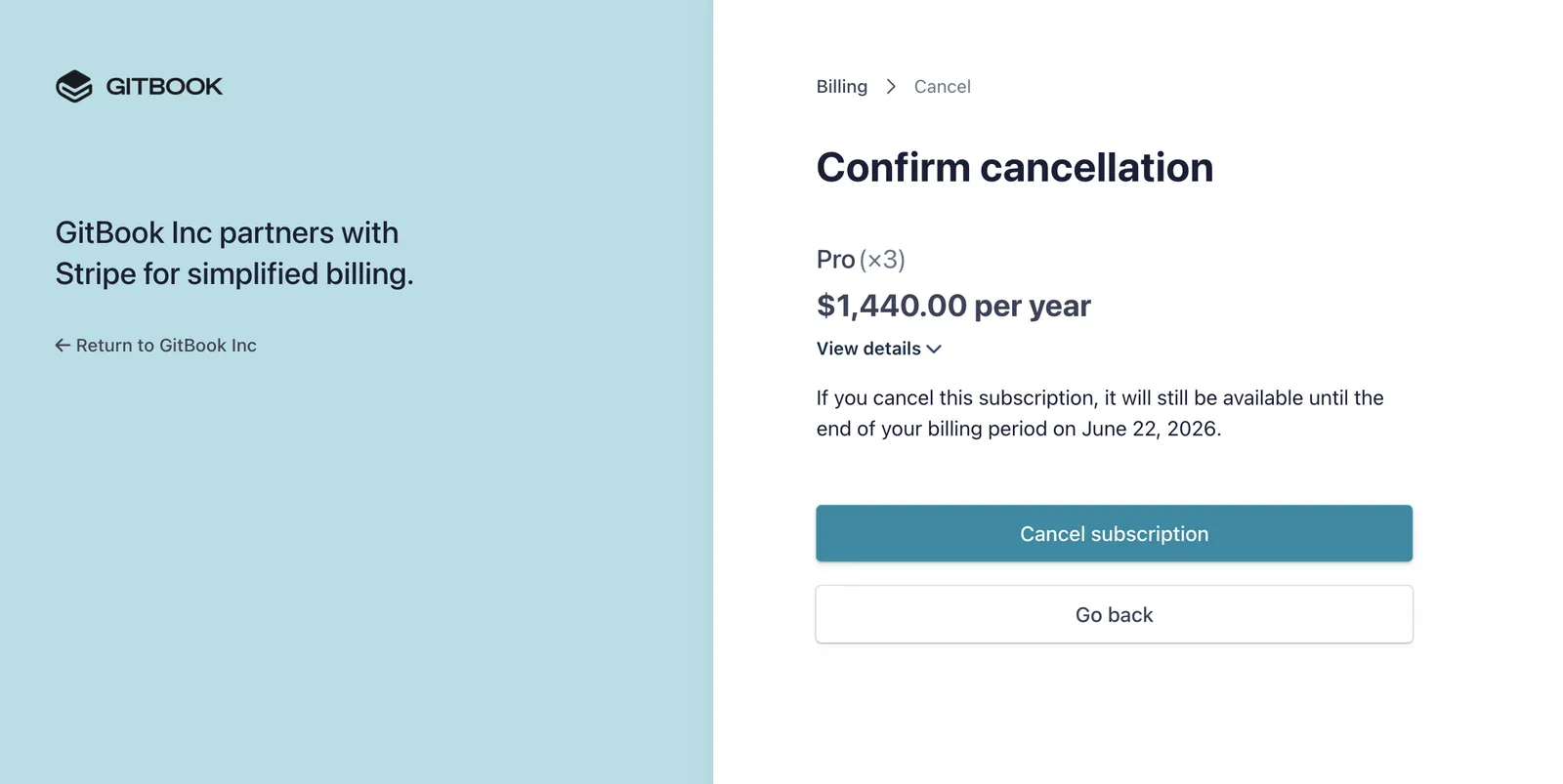
In the end Claude was able to accomplish what we wanted. And I got to press the most satisfying button of all (sorry Oscar).
What Claude did well#
It’s been many months since I last used Cursor for the blog migration, and agents have gotten a lot better since. We’ve started shipping vibe-coded products without reading the code at all. Reviewing agent-written code is both a pain and the main bottleneck keeping us from shipping fast, so for the docs we decided to skip it: a deliberately write-only experiment, hands off everything except the Markdown content itself.
Claude did a better job than I expected. Here’s where it excelled.
Capturing the old site as a test suite#
A migration like this has a boring but brutal failure mode. A page quietly goes missing, or a URL shifts and every external link to it breaks. So before touching the new site, I had Claude write a Cypress suite that ran against the live GitBook docs and pinned down their structure: every page that should exist, every link that should resolve, one h1 per page. That became the spec. I pointed the same suite at the new Astro docs and didn’t call the migration done until all three sites passed. It turned “did we lose anything?” from a manual spot-check into a green-or-red answer, and enumerating every page and route across three sites is exactly the structured grunt work Claude is good at. The suite, along with the rest of the build, lives in the docs-2 repo.
Repetitive, structured work across the monorepo#
Three sites that mostly mirror each other is tedious in the way agents are good at. Adding a custom 404 page to all three, wiring 301 redirects for the old GitBook URLs so external links don’t rot, cleaning up ~130 stale docs.dolthub.com links across 47 files. This is the file-moving, path-updating work I praised Cursor for last time, and Claude was just as strong here.
Grounding docs in the actual source#
Our docs describe dolt behavior, and the source of truth for that is the Dolt Go code, not necessarily the old docs. When I asked Claude to document the join order hints, it didn’t paraphrase the existing page. It read go-mysql-server’s source, figured out which hints were actually wired up, and fixed the existing table that listed working hints as unsupported. That happened more than once. What I’d scoped as a straight content migration turned into a correctness pass, with Claude catching places where our docs had quietly drifted from how dolt actually behaves. Pointed at the real code, it greps before it writes, which is exactly the habit you want when writing reference docs.
Fixing the importer instead of the output#
Pulling years of docs out of GitBook meant dealing with its custom Markdown, like the {% embed %} blocks it used for the live DoltHub SQL console we embed in some pages. The lazy fix is to hand-edit each one after import. Instead Claude taught the import script to convert them into iframes itself. So when I re-ran the import to pick up upstream changes, the output came out clean instead of needing the same manual pass again.
Where Claude struggled#
Claude’s failures mostly traced back to two things: the stuff it can’t see, and the habits I had to keep correcting when it ran mostly unsupervised.
It still can’t see the browser#
Every visual bug in this project needed my eyes first. The embedded SQL console was rendering twice and Claude had no idea until I told it. The search modal would reopen without its search box. The navbar links overlapped at narrow widths. Claude could usually fix a bug once I described it, but it couldn’t perceive that anything was wrong, and it couldn’t confirm the fix. The small stuff was sometimes the most tedious. A fix I could’ve done in thirty seconds, like aligning an icon with its text, would turn into rounds of back and forth (now it’s too high, now it’s too low, that last change did nothing) because it was editing blind and I was the only one who could see the result.
The design itself is the clearest example. I pointed Claude at the design of this blog, and this was the first pass it took on its own:
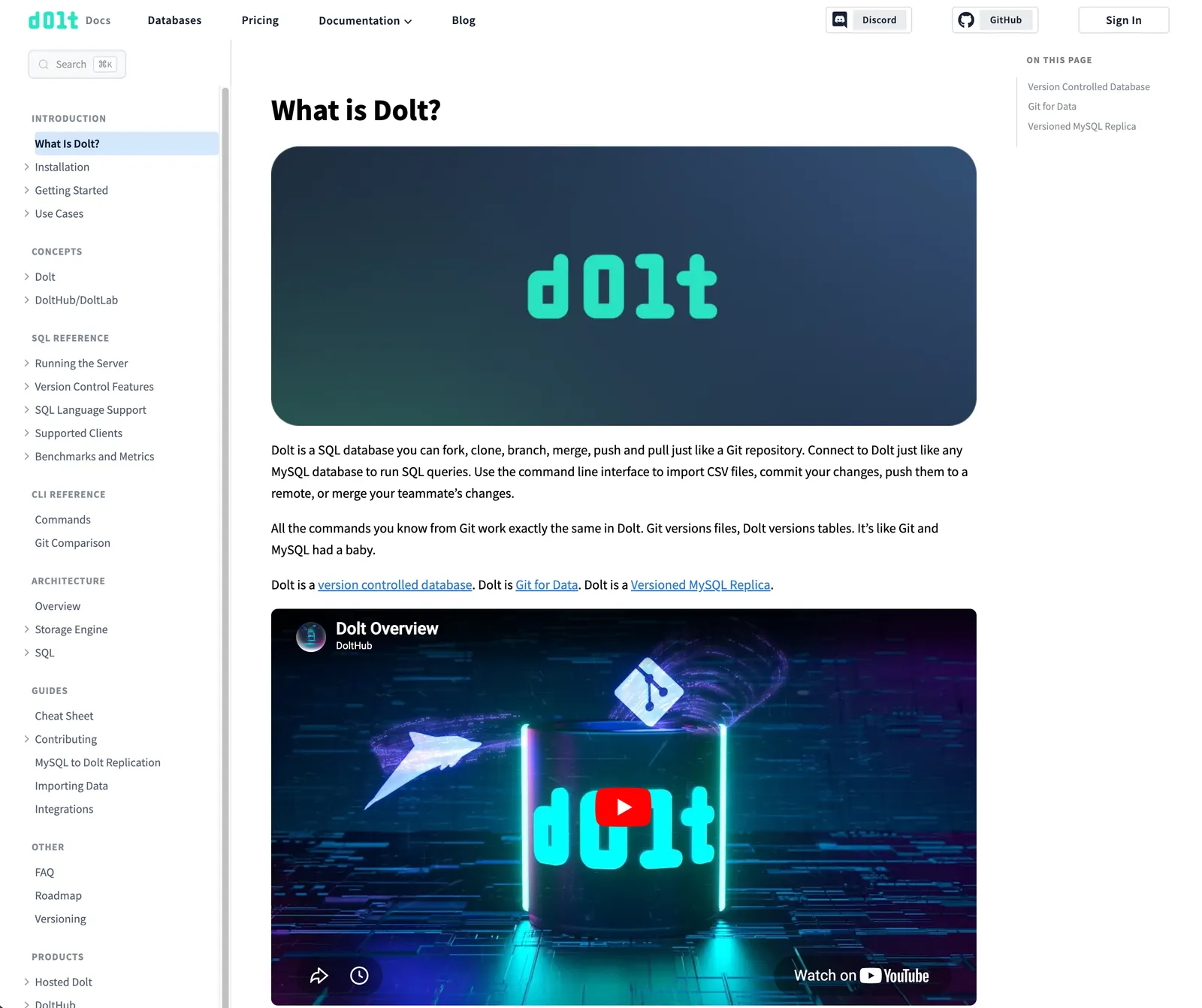
And here’s where it ended up after many rounds back and forth:
Claude couldn’t tell the two apart. Every change in the second version came from me describing what I wanted, not from it noticing anything on its own.
One improvement over my experience with Cursor is that when I handed Claude a design to match, it mimicked it more faithfully. There’s been a good chunk of time between the two projects, and models improve fast enough that this isn’t really a fair comparison. The difference might just be the months that passed, not Claude versus Cursor.
There’s a real fix for the design blindness anyway: stop making the agent guess. Tools like the Figma MCP server hand it the actual design to build from, which is how Eric vibe-coded the Dolt Workbench landing page. However, we didn’t have a Figma design ready for the docs, and part of this experiment was seeing how far Claude could vibe just looking at our blog.
It over-helps#
Claude loves to amend a commit when I’d rather see a new one, folding fresh changes into the previous commit so my review diff disappears. PR descriptions are the same story. Left alone it writes a small essay, and I kept telling it to cut them down. None of it is a big deal on its own, but it all pushes the same way, toward getting the task done over keeping it easy to review.
It guesses at things it could verify#
Rather than check what already existed, Claude would hand-write things like anchor links and get them subtly wrong, or let capitalization drift from one table to the next. Each one is a quick fix. The trouble is they look right, so they slip through unless you check every link and name yourself.
It copies instead of sharing#
This is the flip side of the cross-site strength I praised above. The same instinct that makes Claude good at doing the same thing across three nearly-identical sites stops it from noticing when it should do that thing only once. Left alone, it copy-pastes a pattern rather than factoring out something shared. A human gets annoyed by that duplication and pulls it into one place. The agent never feels the itch, so unless you prompt it to find the shared abstraction, it’ll happily write the third copy. And on a codebase we’re treating as write-only, that compounds. If an agent maintains this scaffolding from here on, every future change is another chance to paste instead of share, with no human annoyed enough to stop it. It’s the one item on this list that gets worse over time, not better.
Is this write-only code?#
The real risk with vibe coding is write-only code. You generate it, it works, you ship it, and nobody (including the person who “wrote” it) ever really reads it again. That bit me on the blog migration, where I shipped code I later couldn’t make sense of. For the docs scaffolding, write-only is the design, not the failure mode. We don’t expect our engineers to read the Astro config, the Cloudflare redirects, or the build scripts, and when something there needs to change, we expect an agent to be the one changing it.
Write-only doesn’t mean unreviewed, though. I still skimmed the diffs and caught most of what’s in the last section, I just wasn’t reading the code to understand it the way I would something I had to maintain by hand. The test suite helped catch the obvious regressions, a missing page or a broken link, not whether the code underneath is any good. The real backstop was still my own eyes on the product, with the tests covering the structural things I’d be most likely to miss by hand.
In that sense the docs are no different from our other fully vibe-coded products like DoltLite and DumboDB, where nobody reads the code at all. What sets the docs apart is the content. The Markdown that makes up the actual documentation gets added and edited by hand by our own engineers.
That’s why the docs needed a real contributor story in a way a pure write-only product doesn’t. The code underneath can stay a black box, but the human-facing workflow can’t. Adding or amending a doc had to come down to editing Markdown, and getting that change live had to be a simple deploy, without a doc writer ever needing to touch the agent-built machinery underneath.
Conclusion#
Overall, my takeaway from using an agent for a large-scale migration is largely the same. Give the agent scoped, structured, verifiable work, and keep anything browser-facing under your own eye. Claude nailed the part that mattered most for docs, getting the content right by reading the actual source and iterating based on the test suite. The front end was rougher, but nowhere near the disaster I experienced using Cursor for our blog migration. I never handed it a real design to match, so expecting pixel-exactness wasn’t fair, and even then a few hours of back and forth got it close to what I wanted much faster than I’d have managed alone. The small UI stuff was the only real frustration.
And the result speaks for itself. The new docs finally feel like part of the same family as the rest of our products, and the human contributor experience is mostly the same.
Check out our new docs and tell us what you think. We’re always around on Discord, and if you haven’t used Dolt yet, the docs are a great place to start.